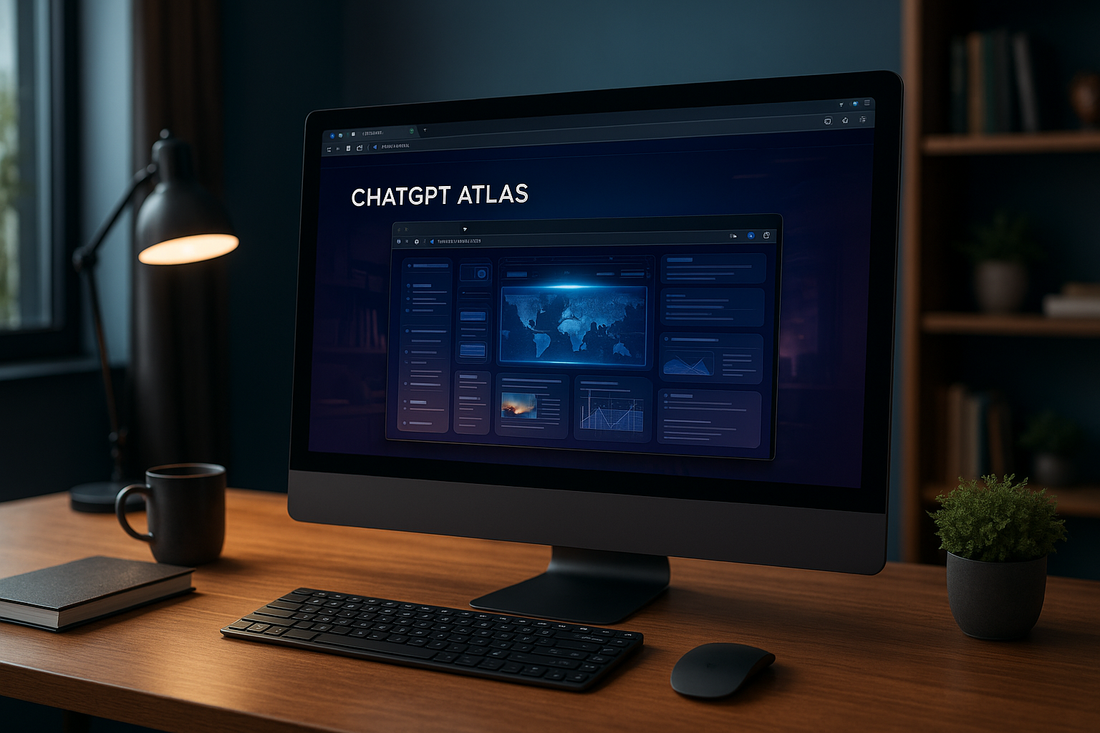
SAN FRANCISCO—OpenAI is turning the humble browser into a command center. The new ChatGPT Atlas app for macOS puts the assistant on every page, so research, comparisons, and follow-up prompts happen beside the content instead of in yet another tab. It’s the clearest signal yet that OpenAI wants ChatGPT to be a daily driver, not just a chatbot you visit when you remember it exists.
Key takeaway: Atlas reframes browsing as a co-piloted workflow. If you live in dense research, compliance memos, or competitive intelligence decks, the assistant now sits in the chrome rather than the cloud.
Atlas at a glance
- Availability: macOS today, with Windows builds in validation and iOS/Android clients queued behind them.
- Positioning: “Research-first” browsing where ChatGPT stays visible for summaries, comparisons, and automation triggers.
- Layout: Lightweight desktop shell with a fixed assistant rail, optional overlays, and contextual quick actions.
- Target buyers: Knowledge workers, product teams, and analysts who bounce between PDFs, filings, and live web data.
A sidebar that behaves like a coworker
Atlas abandons the traditional address-bar-first hierarchy. ChatGPT lives in a persistent rail that reads the DOM, detects entities, and pipes suggestions back instantly. In practice, that means:
- Inline triage: Summaries, translations, and quote extractions stay docked next to the source material.
- Research scaffolding: Notes, comparison tables, and callouts pin inside the sidebar instead of getting lost in screenshots.
- Automation hooks: Natural-language commands (“capture this chart, compare it with the last three SEC filings, brief me”) chain together scripted tasks without leaving the page.
Optional overlays act like smart highlighters, adding definitions, translation bubbles, and citation previews. Keep them on during deep work and collapse them when you need a distraction-free view.
Research toolkit baked into the chrome
OpenAI ships Atlas with the utilities reviewers usually cobble together through plug-ins:
- Live web lookups keep ChatGPT tapped into current reporting instead of cached training data.
- Memory-aware sessions (still off by default) remember active projects, writing tones, or approval chains so recurring prompts become faster—but only when you explicitly allow it.
- Document ingestion lets you drag PDFs, slides, or pasted transcripts into Atlas and export structured notes, bullet rundowns, or CSV-style tables for spreadsheets.
Roadmap and enterprise readiness
macOS is phase one. OpenAI says a Windows build is next—critical for the regulated industries it wants to court—followed by touch-friendly versions for iOS and Android. The company is talking up parity across devices so researchers can start a session on a Mac, annotate on an iPad, and finish edits on a Windows workstation without losing context or memory states.
Safety, privacy, and governance story
Atlas inherits OpenAI’s refreshed trust stack: encrypted local preferences, granular toggles for what the assistant can inspect, and clear prompts whenever session memory flips on. Teams can review or delete individual memory entries, and administrators can disable the feature entirely. Compliance callouts sit inside the UI so regulated buyers aren’t guessing how data is handled.
Why it matters
ChatGPT Atlas is less about inventing a new browser and more about redefining how people gather, verify, and act on information. It takes the “copilot everywhere” pitch Microsoft, Google, and Apple are chasing and packages it in a standalone app that never hides the assistant. If the Windows and mobile builds ship with similar polish, Atlas becomes the benchmark AI-native browsing experience—and a warning shot for incumbents that still treat AI as a plug-in.
Checklist for teams kicking the tires
- Pair Atlas with our AI-assisted research workflow guide to map repeatable tasks.
- Stress-test memory controls with legal or compliance partners before rolling it out broadly.
- Compare Atlas’ overlays with whatever you use for highlights (Nimbus, Notion, Obsidian) to see if you can trim a tool.
- Watch the Windows beta: if your org is heavy on PCs, that release dictates whether Atlas becomes standard issue.
For deeper context, revisit our analysis of the future of AI-first browsers and keep tabs on OpenAI’s platform updates as automation hooks evolve.