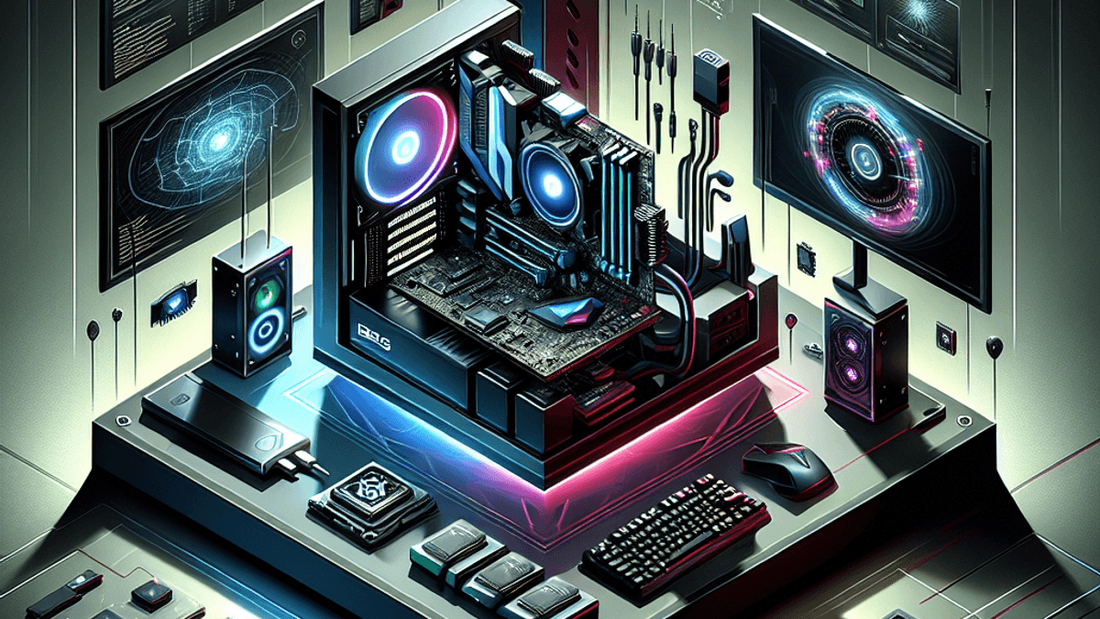
Building your own gaming PC in 2025 still delivers more frames per dollar than prebuilt systems, and it gives you control over thermals and acoustics. This guide walks through a balanced parts list that keeps your budget in check while leaving room to grow.
Set your performance targets
Decide if you’re aiming for 1080p high-refresh esports play or 1440p cinematic titles. For most readers, a 1440p target at 100+ FPS provides longevity without overspending on 4K hardware. Use that goal to steer your CPU and GPU choices.
Choose a balanced parts list
Pair a 6-core or 8-core CPU with a mid-range GPU so neither component sits idle. A sample build that consistently stays under $1,200 USD includes:
- CPU: AMD Ryzen 7 7800X3D or Intel Core i5-15600K
- GPU: NVIDIA RTX 4700 or AMD Radeon RX 8800 XT
- Motherboard: B650 or Z790 board with PCIe 5.0 support
- Memory: 32 GB DDR5-6000 in a 2×16 GB kit
- Storage: 1 TB NVMe SSD (PCIe 4.0) for OS and games
- Case and PSU: Airflow-focused mid-tower with 750W 80+ Gold supply
Look for combo bundles that bundle CPU and motherboard discounts, and confirm the BIOS revision supports your processor before final assembly.
Plan for thermals and acoustics
Budget cases often ship with minimal fans, so allocate $40–$60 for two additional 120 mm PWM fans. Mount one as a front intake and another as a rear exhaust to maintain positive pressure and reduce dust buildup. Check cooler clearance to ensure your chosen air cooler or 240 mm AIO fits without crowding memory modules.
Assembly checklist
Build on a large, static-free surface and keep your motherboard manual nearby. Install the CPU, memory, and NVMe drive on the board before placing it in the case, then route power cables behind the tray to keep airflow unobstructed. Run a first boot outside the case if you want to validate the POST before final installation.
Dial in software and tuning
Update your BIOS, chipset drivers, and GPU drivers immediately after Windows setup. Enable XMP or EXPO in the BIOS to run memory at rated speeds, and install a fan curve utility to keep noise down. Cap frame rates in older esports titles to avoid runaway power draw.
With a thoughtful parts selection and tidy cable management, your budget build will rival prebuilt rigs costing hundreds more while leaving room for future GPU or storage upgrades.
Related reading
- Best Mini PC for Local LLM in 2026
- Apple Upgrade Leasing: What $17.99 a Month Really Buys You
- Before You Buy: Is Paying for AI Tools Worth It?
The AMA Report cuts through the noise — practical intelligence for business operators making real decisions. Subscribe free →